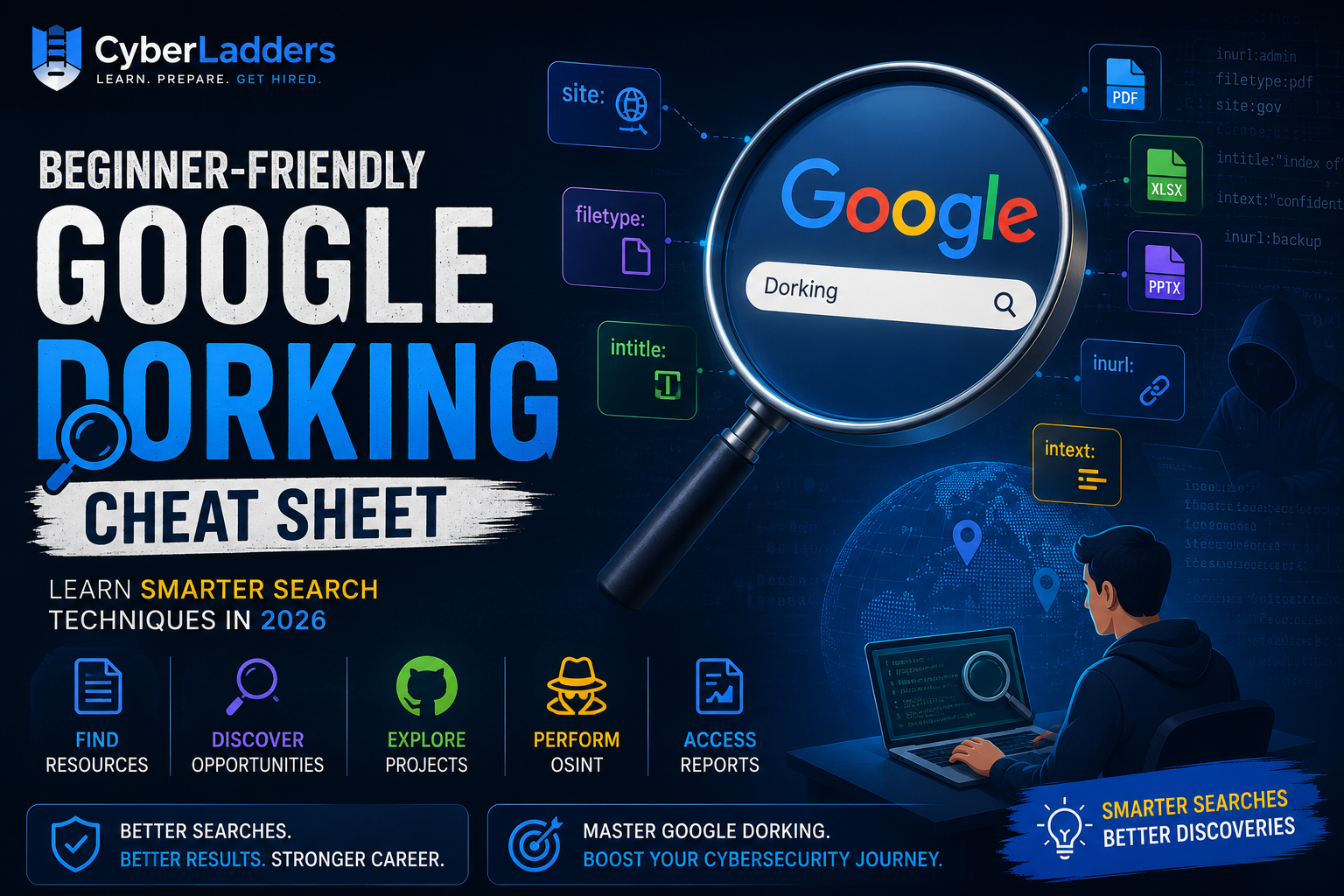
What is Google Dorking?
Google Dorking, also known as Google Hacking, is the practice of using advanced Google search operators to find specific information that may not appear through normal searches.
Cybersecurity professionals, OSINT (Open-Source Intelligence) researchers, recruiters, journalists, and ethical hackers often use Google Dorking to locate publicly available information more efficiently.
Contrary to popular belief, Google Dorking is not hacking. It simply helps users leverage Google’s powerful indexing capabilities to find information that is already publicly accessible.
Why Learn Google Dorking?
Whether you’re a cybersecurity beginner, SOC Analyst, Threat Hunter, OSINT Investigator, or Ethical Hacker, Google Dorking can help you:
✅ Stay updated with emerging cybersecurity trends, vulnerabilities, and threat intelligence
✅ Conduct Open-Source Intelligence (OSINT) investigations more efficiently
✅ Explore public GitHub repositories, projects, and security toolss
✅ Discover high-quality learning resources, guides, and training materials
✅ Locate cybersecurity internships, jobs, and career opportunities
Essential Google Dork Operators
1. site:
Search within a specific website.
Example:
site:github.com cybersecurity
This searches only GitHub pages related to cybersecurity.
Use Cases
- Search LinkedIn profiles
- Find GitHub projects
- Search company websites
Example:
site:linkedin.com “SOC Analyst”
2. filetype:
Search for specific file types.
Example:
filetype:pdf cybersecurity roadmap
Useful File Types
- PPT
- PPTX
- XLSX
- DOCX
Example:
filetype:pdf incident response
This can help you find publicly available cybersecurity guides.
3. intitle:
Search for words in page titles.
Example:
intitle:”Cyber Security”
Useful when searching for blogs, reports, and resources.
4. inurl:
Search for keywords in URLs.
Example:
inurl:security
Useful for locating specific categories or sections on websites.
5. intext:
Search for specific text within web pages.
Example:
intext:”SOC Analyst”
This helps find pages containing specific terms.
6. Quotation Marks (” “)
Search for exact phrases.
Example:
“Cyber Security Analyst”
Google returns pages containing that exact phrase.
7. Minus Operator (-)
Exclude unwanted results.
Example:
cybersecurity jobs -internship
This removes internship-related results.
Google Dorking for Cybersecurity Students
Find Cybersecurity Roadmaps
filetype:pdf cybersecurity roadmap
Find Incident Response Guides
filetype:pdf incident response plan
Find Threat Intelligence Reports
filetype:pdf threat intelligence report
Find AI Security Research Papers
filetype:pdf AI security
Find Cloud Security Resources
filetype:pdf cloud security
Google Dorking for Job Hunting
Most students search: “Cybersecurity jobs”
This often returns thousands of irrelevant results. Instead, use targeted searches.
Cybersecurity Jobs
site:linkedin.com/jobs “Cyber Security”
SOC Analyst Jobs
site:linkedin.com/jobs “SOC Analyst”
Cloud Security Jobs
site:linkedin.com/jobs “Cloud Security”
AI Security Jobs
site:linkedin.com/jobs “AI Security”
Remote Cybersecurity Jobs
“Cyber Security” remote jobs
Google Dorking for GitHub Projects
Building projects is essential for cybersecurity careers.
Use these searches:
Cybersecurity Projects
site:github.com cybersecurity project
SOC Projects
site:github.com SOC analyst project
Python Security Tools
site:github.com python security tool
Threat Hunting Tools
site:github.com threat hunting
Google Dorking for OSINT
Open-Source Intelligence (OSINT) analysts use Google Dorking extensively.
Examples:
site:linkedin.com cybersecurity
site:github.com security researcher
site:medium.com cybersecurity
These searches help identify public profiles, blogs, and research.
Common Mistakes Beginners Make
Mistake #1
Using too many keywords.
Bad:
cybersecurity jobs cloud security analyst remote India fresher
Good:
site:linkedin.com/jobs “SOC Analyst”
Mistake #2
Ignoring file searches.
Many valuable cybersecurity resources exist in PDF format.
Mistake #3
Not combining operators.
Example:
site:github.com filetype:md cybersecurity
Google Dorking for AI Security Professionals
AI Security is one of the fastest-growing cybersecurity domains.
Useful searches:
filetype:pdf “LLM Security”
filetype:pdf “Prompt Injection”
filetype:pdf “AI Security”
filetype:pdf “Adversarial Machine Learning”
These searches can uncover research papers, whitepapers, and security guidance.
How CyberLadders Helps Aspiring Cybersecurity Professionals
At CyberLadders, we help students and professionals become job-ready through:
🔐 Cybersecurity Career Roadmaps
🔐 Skill Gap Analysis
🔐 Resume Optimization
🔐 Interview Preparation
🔐 Certification Guidance
🔐 Job Placement Assistance
🔐 Mentorship from Industry Experts
Whether you’re aiming to become a SOC Analyst, Ethical Hacker, Cloud Security Engineer, or AI Security Specialist, mastering OSINT and Google Dorking can significantly improve your research and learning efficiency.
Final Thoughts
Google Dorking is one of the simplest yet most powerful skills every cybersecurity professional should learn.
It helps you find better learning resources, discover job opportunities, perform OSINT investigations, and stay ahead in your cybersecurity journey.
The best part?
You can start practicing today using nothing more than Google.